

Managing computers and other IT equipment becomes increasingly difficult as organizations grow. Assets may move between offices, employees, departments, and storage areas, making manual records difficult to maintain. RFID IT asset tracking provides a way to identify and track IT equipment more efficiently, while improving asset visibility and reducing the time spent on manual inventory checks. This guide explains how RFID can be used to manage IT assets and what to consider when implementing an RFID tracking system.
1. What Is RFID IT Asset Tracking?
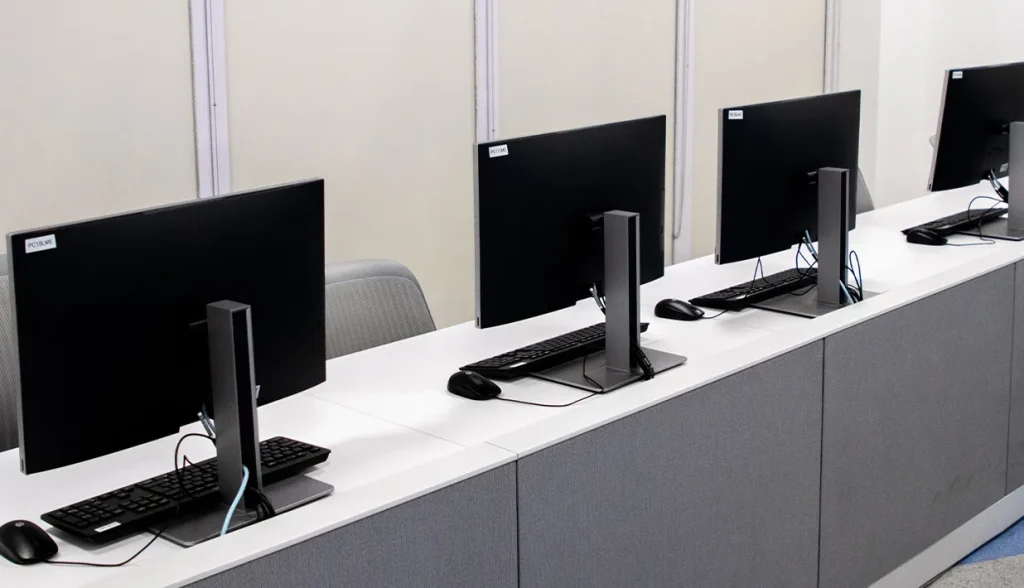
RFID IT asset tracking uses RFID tags, readers, and asset management software to identify and monitor computers and other equipment.
An RFID tag is attached to an asset such as a laptop and desktop computer. The tag contains a unique identification number that can be associated with the asset’s information in a management system.
When an RFID reader scans the tag, the system can identify the asset without requiring the user to manually enter its serial number or scan a barcode.
The goal is not simply to know what equipment a company owns, but to maintain a more accurate record of where assets are, who they are assigned to, and how they move over time.
2. Why Use RFID for IT Asset Management?
Traditional IT asset management often relies on spreadsheets, barcode scanning, or manual inventory checks. These methods can work for small inventories, but they become more time-consuming as the number of assets increases.
RFID offers several advantages for organizations managing large or frequently moving IT inventories.
2.1 Faster Inventory Checks
With RFID, multiple tagged assets can potentially be identified during a single scanning process. Staff do not need to locate and scan every barcode individually.
This can significantly reduce the time required for periodic inventory audits, particularly when equipment is stored in offices, equipment rooms, or warehouses.
2.2 Better Asset Visibility
IT equipment frequently moves between locations. A laptop may be assigned to an employee, returned to IT, transferred to another department, or stored temporarily.
RFID can help create a more consistent record of these movements, making it easier to determine whether an asset is where it is expected to be.
2.3 Reduced Manual Data Entry
Manually recording serial numbers, asset IDs, and locations creates opportunities for errors. RFID automatically identifies tagged assets when they are scanned, reducing the amount of information employees need to enter manually.
2.4 Easier Asset Audits
Regular asset audits are important for maintaining accurate IT records.
Instead of checking assets one by one, organizations can use RFID readers to scan an area and compare the detected assets against the expected inventory.
This makes it easier to identify:
- Missing assets
- Assets in unexpected locations
- Unassigned equipment
- Duplicate or incorrect records
- Equipment that needs to be checked
3. How Does RFID IT Asset Tracking Work?
A typical RFID IT asset tracking solution consists of three main components: RFID tags, RFID readers, and asset management software.
| Component | Function |
| RFID Tag | Provides each IT asset with a unique identification number |
| RFID Reader | Reads RFID tags and captures asset identification data |
| Asset Management Software | Stores asset information and manages inventory, assignments, and movement records |
The basic workflow is straightforward:
1. Tag the asset
An RFID tag is attached to each computer or piece of equipment.
2. Register the asset
The RFID tag’s unique ID is associated with information such as the asset number, serial number, model, department, and assigned user.
3. Scan the asset
A handheld or fixed RFID reader detects the tagged equipment.
4. Update the asset record
The collected RFID data is transferred to the asset management system.
5. Monitor asset status
IT staff can use the system to review asset locations, assignments, movements, and inventory status.
4. How to Implement RFID IT Asset Tracking
A successful RFID IT asset tracking project requires more than simply attaching RFID tags to computers.
4.1 Define the Assets to Be Tracked
Start by determining which equipment should be included. High-value, frequently moved, or difficult-to-audit assets are often good candidates for RFID tracking.
4.2 Choose the Right RFID Tags
Tag selection depends on the asset’s surface and operating environment.
For example, laptops and plastic equipment may use compact general-purpose labels, while servers and metal equipment may require on-metal RFID tags.
4.3 Establish Asset Identification Rules
Each RFID tag should correspond to a unique asset record. The system may associate the RFID ID with information such as asset ID, serial number and equipment type. This creates a consistent relationship between the physical asset and its digital record.
4.4 Define Tracking Workflows
Decide when assets should be scanned and when their status should change.
Common events include:
- Asset check-in and check-out
- Location transfer
- Inventory audit
- Maintenance
- Retirement
Clear workflows help ensure that RFID data remains useful instead of simply creating another database of asset IDs.
4.5 Connect RFID Data with Asset Management Software
The RFID reader provides identification data, but software is needed to turn that data into useful asset information. A suitable system should allow IT teams to search assets, review their status, record movements, and conduct inventory checks without relying on separate spreadsheets.
5. Common Challenges When Tracking IT Equipment with RFID
RFID can improve IT asset visibility, but implementation still requires careful planning.
5.1 Metal Surfaces
Many computers, servers, network devices, and equipment cabinets contain metal. A standard RFID tag may not perform reliably when attached directly to metal. In these situations, an RFID tag specifically designed for metal surfaces should be considered.
5.2 Asset Movement
If assets frequently move between rooms or buildings, simply recording their original location is not enough. The RFID system should be integrated into workflows that capture check-in, check-out, transfers, and returns.
5.3 Data Accuracy
RFID can automate asset identification, but inaccurate asset records can still lead to inaccurate results. The RFID system should therefore be connected to a consistent asset database and clearly defined management processes.
6. Best Practices for RFID IT Asset Tracking

Before deploying an RFID IT asset tracking system, consider the following:
- Start with high-value or frequently moved assets. This makes it easier to measure the benefits of RFID.
- Test tags on the actual equipment. Metal surfaces, device housings, and installation locations can affect RFID performance.
- Define movement workflows. Decide when assets should be scanned and when their status should change.
- Keep asset data updated. RFID can automate identification, but the underlying asset information still needs to be maintained.
- Consider reader selection carefully. Handheld readers are useful for audits and locating equipment, while fixed readers may be suitable for specific entry or exit points.
- Test the complete workflow before deployment. Evaluate tags, readers, software, and actual IT equipment together rather than testing each component separately.
Our asset tracking system, TrakOn™, can connect RFID identification with asset records and tracking workflows. IT teams can use RFID-tagged assets to support processes such as asset check-in and check-out, location tracking, inventory audits, and asset lifecycle management.
7. Conclusion
By combining RFID tags with readers and asset management software, businesses can reduce manual inventory work, track asset movements, and maintain more accurate records. The key is to choose suitable tags, define clear tracking workflows, and connect RFID asset tracking system.
RFIDSolution provides a asset tracking system for businesses. If you need a reliable tracking solution, feel free to contact us to request a sample kit.




 EN
EN  JA
JA  ZH
ZH